本帖最後由 cheaphin 於 2017-3-30 02:14 編輯
因小弟買左兩張1080TI 有兩條REDEEM CODE, 但係NVIDIA會認你張GPU唔可以一個人換同一個活動既兩隻GAME
所以小弟只好平賣多左一條CODE出黎
PS:因要裝GEFORCE EXPERIENCE 黎Redeem隻game, 所以買家一定要用N記卡
底價: $220 每口$5
Eat: $250
交易方法: 銀行轉帳(Hang Sang/HSBC), 大家講個信字吧 你過左數比我我即比KEY你 你過左數比我我即比KEY你
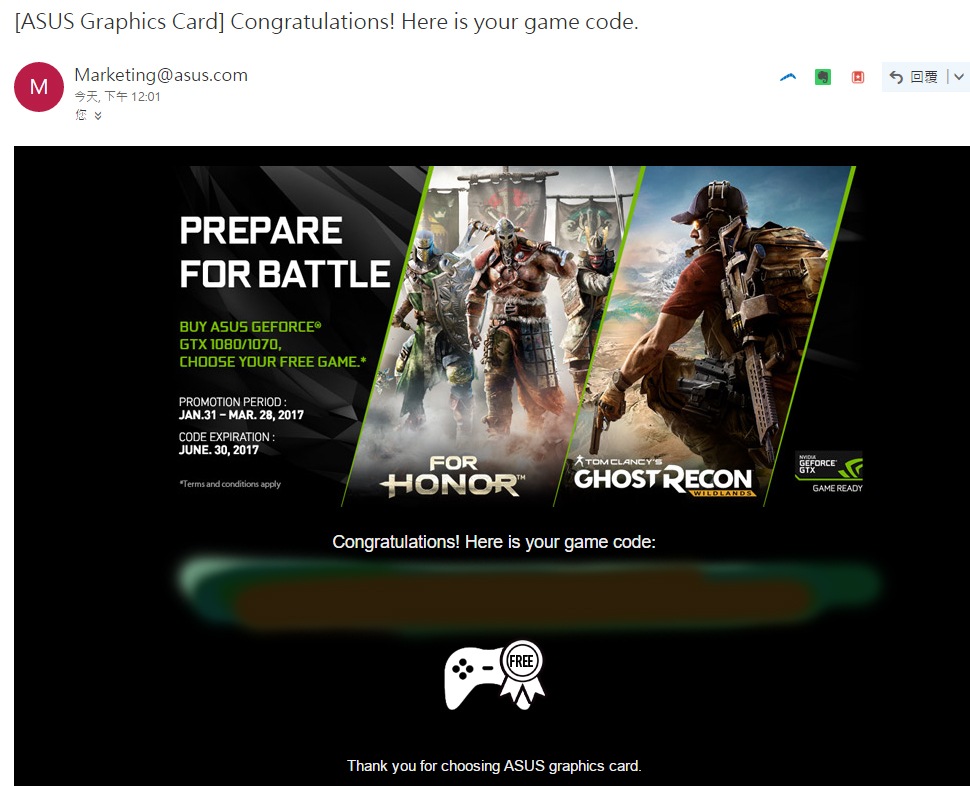
Redeem 方法:
REDEEM YOUR COUPON THROUGH GEFORCE EXPERIENCE
1. Install your qualified graphics card and update or install the latest version of GeForce Experience here.
2. Open and log in to GeForce Experience (Version 3.2.2 or higher)
3. Go to the Account drop-down menu and click “REDEEM”
4. Paste your coupon code from your qualifying bundle purchase and click on “REDEEM”.
5. Select game of choice and click “CONTINUE”
6. Log in with your game provider account(s)
7. Select user account and click “REDEEM”
8. Congratulations! Launch game provider to download your game!
9. For troubleshooting help, please visit our FAQ here. If you are still experiencing problems please contact NVIDIA customer support team. |
 簡體版
簡體版 訂閱頻道
訂閱頻道 訂閱電子報
訂閱電子報




 發表於 2017-3-30 02:11
|
發表於 2017-3-30 02:11
|  你過左數比我我即比KEY你